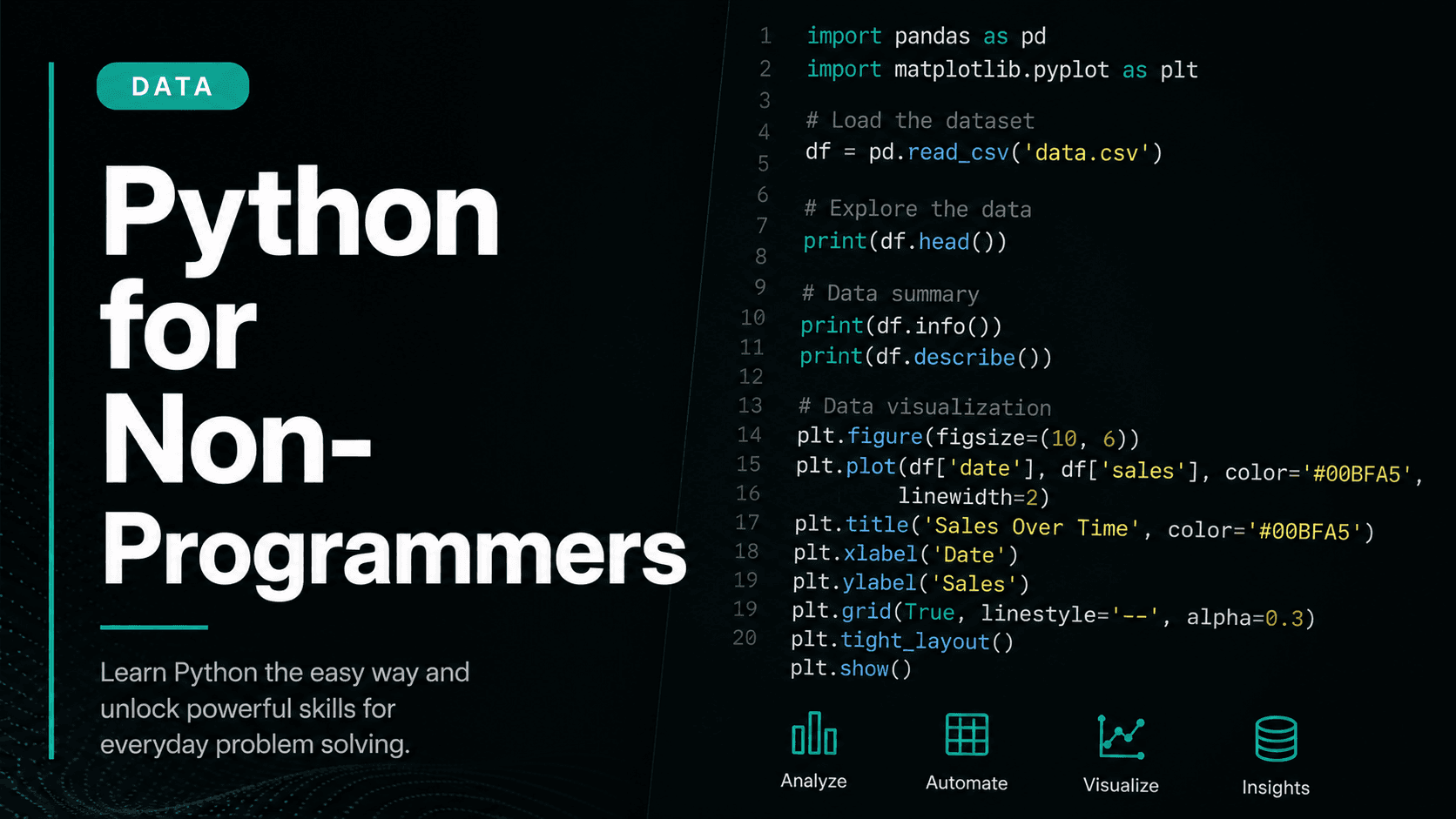
Can a complete beginner actually learn Python and use it for real work? The honest answer — and a plan that actually works.
Python is consistently ranked the most beginner-friendly programming language. That's true, but it can be misleading. 'Beginner-friendly' means the syntax is readable and the barrier to starting is low. It does not mean learning Python is easy, or fast, or something you can do passively over a few weekends.
This guide is for people who have never written code before and want an honest assessment of what learning Python actually requires — and a practical plan for doing it without wasting months on the wrong things.
What Python is actually good for
Before you start, be clear about why you want to learn Python. The language is dominant in data analysis, machine learning and AI, automation and scripting, and web development. It is also widely used in scientific research and finance.
If your goal is to analyse data in your current job, Python is the right choice. If you want to automate repetitive tasks — formatting spreadsheets, sending emails, scraping websites — Python is the right choice. If you want to eventually work in machine learning or data science, Python is essentially mandatory.
If your goal is to build mobile apps, Python is not the right starting point. If you want to build interactive websites, JavaScript serves you better. Know your goal before you pick your tool.
How long it actually takes
With consistent daily practice of 30–60 minutes, most people with no prior programming experience can write basic Python scripts that do useful things within 6–8 weeks. This means reading a CSV, filtering data, writing a loop, calling an API, and saving results to a file.
Getting to a point where you can tackle data analysis problems independently — cleaning messy datasets, visualising results, writing reusable functions — takes closer to 3–4 months at the same pace.
Machine learning and advanced data science add another 4–6 months on top of that. These timelines assume consistent practice and that you're spending time on real problems, not just watching videos.
Setting up your environment
The first thing most tutorials tell you to do is install Python and set up a local environment. This is correct, but it trips up more beginners than it should. If you spend your first hour fighting with path variables and virtual environments, you may never come back.
Start with Google Colab instead. It's a free, browser-based Python environment — nothing to install, nothing to configure. You open a notebook, type Python, press Shift+Enter, and see the result. When you're more comfortable with the language itself, move to a local setup with VS Code.
Jupyter notebooks — which Colab is based on — are also the standard tool in data science, so you're learning a real workflow, not a beginner shortcut.
The core concepts worth mastering first
Don't try to learn all of Python. Learn the subset that lets you do real work, and expand from there. The concepts that matter most for beginners doing data work are: variables and data types, lists and dictionaries, for loops and conditionals, functions, file I/O, and basic error handling.
Once you're comfortable with those, add the Pandas library for working with tabular data, and Matplotlib or Seaborn for visualisation. These three things — core Python, Pandas, and a charting library — are enough to be genuinely useful in most data analysis jobs.
Resist the urge to learn everything at once. Python has hundreds of built-in functions and thousands of third-party libraries. You don't need most of them. Learn what you need to complete your current project, and expand your knowledge only when you hit a wall.
The learning resources worth using
The best free resource for learning Python is Automate the Boring Stuff with Python by Al Sweigart, available free online. The official Python documentation is also excellent once you have basic familiarity, and the Pandas documentation is genuinely one of the best technical docs available.
For video content, look for courses that are project-based and have been updated recently. Python changes fast, and a course from 2019 may teach you syntax that's been deprecated or replaced by better patterns.
Stack Overflow and the Python subreddit are your friends when you're stuck. Don't be embarrassed to ask basic questions. Every Python programmer alive has asked basic questions. The community is remarkably helpful to beginners who show they've already tried to solve the problem themselves.
A realistic 8-week learning plan
Weeks 1–2: Learn the fundamentals. Variables, data types, lists, dictionaries, loops, conditionals, and functions. Build one small project — a number guessing game, a simple calculator, or a script that reads a text file and counts word frequencies.
Weeks 3–4: Learn Pandas. Work with real CSV files from Kaggle or data.gov. Load data, explore it, filter it, group it, and export the results. This is when Python starts feeling genuinely useful rather than academic.
Weeks 5–8: Build a data project you actually care about. Find a dataset related to your job, your interests, or a question you've always wanted to answer. Clean it, analyse it, visualise it, and write up the findings. This project becomes the proof of your skills and the foundation for everything you learn next.